

SIBRILLE Floor Lamp Remote Not Working? How to Check and Replace It
Check the lamp controls, batteries and pairing first. If you need a replacement, use the lamp label to match the right SIBRILLE remote.
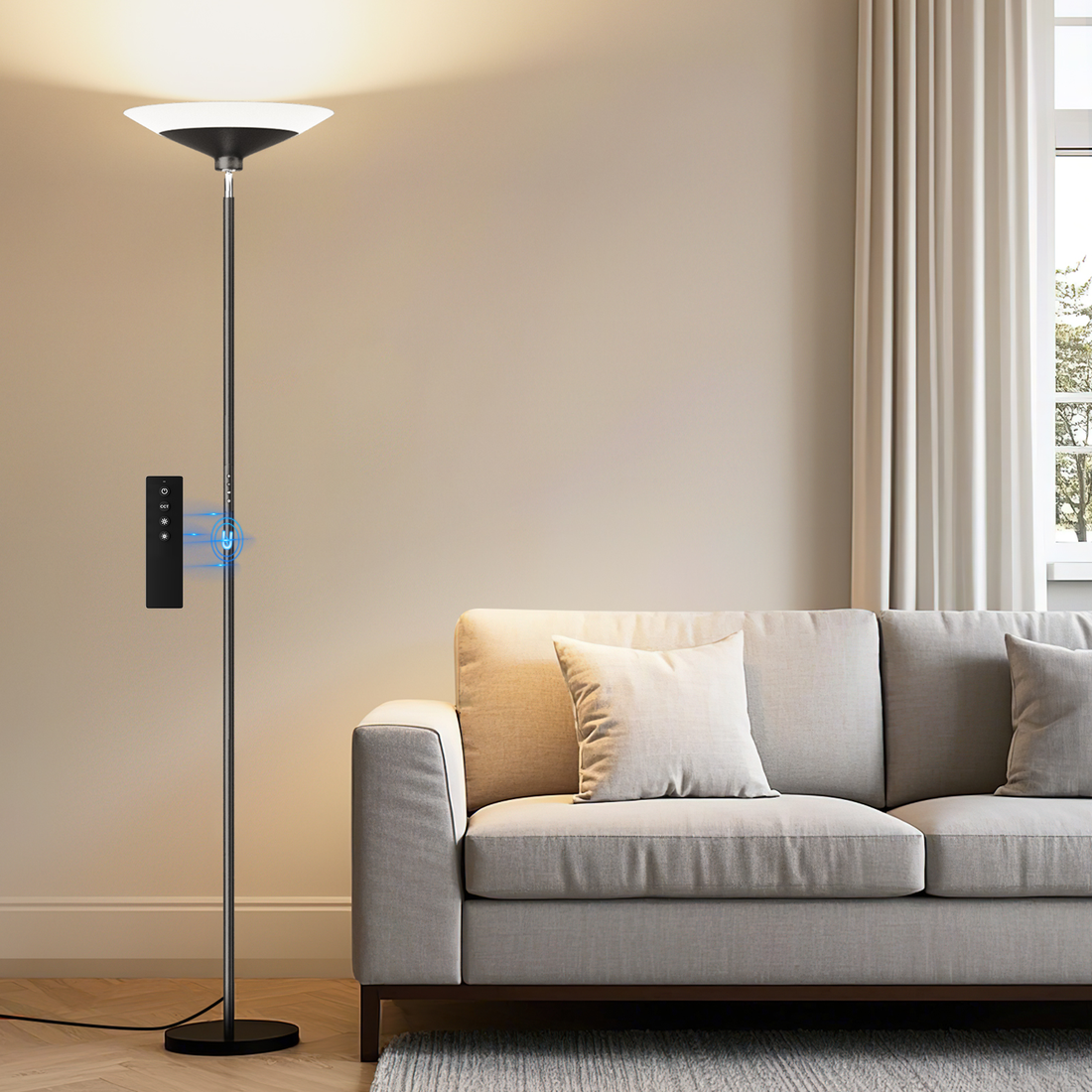
In this story
If your SIBRILLE floor lamp remote is not working, try the controls on the lamp first. If the lamp responds, check the remote’s batteries and the pairing instructions for your exact model. If you need a replacement, match the full model number on the lamp label and the lighting version before ordering. Two lamps with the same finish can use different remotes.
1. Check whether the lamp responds without the remote
Try the power and brightness controls on the lamp if your model has them. This helps you work out whether the problem is limited to remote operation.
- The lamp responds to its own controls. Check that the remote uses the battery type specified in your manual and that the batteries face the right way. If it still does not respond, use the pairing steps for your exact lamp and remote.
- The lamp does not respond to its own controls. A replacement remote may not resolve the problem. Start with the lamp power checks. Stop using the lamp if you notice a damaged cord, a burning smell or other signs of damage.
If your remote has an indicator light, check it when pressing a button. The light tells you the remote is responding to the press, but it does not tell you whether it is paired with the lamp.
Yes. Test the remote.
- Check the battery type and direction.
- Follow the pairing steps for your model.
- If replacing the remote, match the lamp label.
No. Check lamp power.
Start with the lamp’s power checks and contact support if the lamp still will not turn on.
2. Read the lamp label before choosing a replacement remote
Look for the model label on the lamp, usually near the base or power connection, or check the manual for your exact version. Write down the entire model number, including letters and digits after the shared prefix. Then confirm whether the lamp uses adjustable white light (CCT) or color lighting (RGB).
The illustration below shows the two 72-inch single-head remotes. Use the table to match your exact A-series model, including the 2-in-1 lamp with a separate reading arm.
CCT · Adjustable white light

Lamp label MF30021.4
Replacement remote H101322
RGB · Color lighting

Lamp label MF30021R.4
Replacement remote H101323
| Model on lamp label | Lamp layout | Lighting version | Listed replacement remote |
|---|---|---|---|
| MF30021.4 | 72-inch single head | CCT adjustable white light | H101322 CCT remote |
| MF30021R.4 | 72-inch single head | RGB color lighting | H101323 RGB remote |
| MF30021.3 | 2-in-1 with reading arm | CCT adjustable white light | MF30021.3 CCT remote |
| MF30021R.3 | 2-in-1 with reading arm | RGB color lighting | MF30021R.3 RGB remote |
Compare the 72-inch single-head torchiere and the 2-in-1 torchiere with reading light to identify the lamp layout. Use the full label and lighting version in the table to confirm the remote.
Which 34W 2-in-1 torchiere do I have?
Read the full model on the lamp label. On the A-series 2-in-1 torchiere, MF30021.3 identifies adjustable white light and MF30021R.3 identifies RGB. On the B-series 2-in-1 torchiere, the corresponding models are MF30022.1 and MF30022R.1.
If your manual or order shows only part of the model number, send SIBRILLE Support a photo of the lamp label and both sides of the remote to confirm the correct instructions or replacement before ordering.
For other lamp families, use the SIBRILLE replacement parts compatibility table. Match the model listed there before buying a remote, bulb set or power adapter.
3. Pair the remote using your model’s instructions
Follow the pairing steps in the manual for your exact model. If you have a replacement remote, the steps for adding it may differ from the steps for clearing an old pairing. The SIBRILLE remote and pairing FAQ explains what to check first.
If the lamp works with its own controls and still ignores the remote, share the lamp model number and a photo of the remote buttons with SIBRILLE support. Include the battery type and which controls you tested so the team can help identify your version.
Order a part after confirming compatibility
Once you have matched the exact model and lighting version, browse SIBRILLE replacement remotes and bulb kits. Match the part listing to your lamp label before ordering. If the lamp does not respond to its own controls, follow the power checks and contact support before assuming a new remote will solve it.
Visual well-being, considered.
Thoughtful lighting begins with the people who live with it. Discover the perspective behind SIBRILLE.


